Import / Export

Import/Export in v9.1 is designed to synchronize two sites in different installations in different servers, such as a staging installation and a production installation.
Important: Before you perform an import, back up your site and database. Imports can only be undone by restoring from a backup.
Differential Export
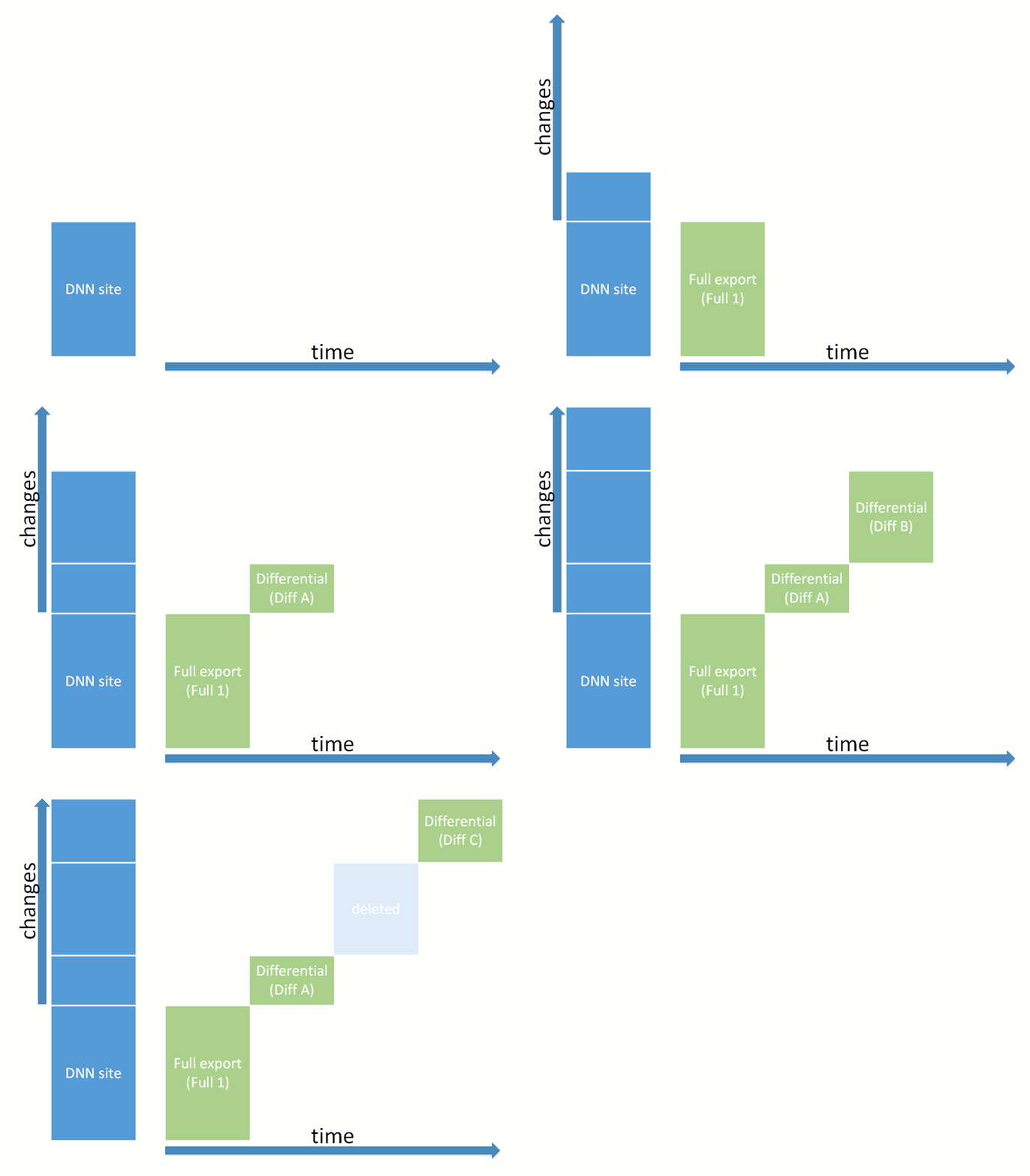
You can export the entire site or select which components to export. You can also choose to perform a Full export or a Differential export. A differential export includes only the changes from the last export; therefore, the process is faster and the package is smaller.
Warning: Differential exports must be managed and used carefully.
Differential packages must be imported in the same order as they were exported, so that the changes are applied correctly.
Deleting a differential export package will invalidate the differential export packages that were created after it.