Configure the Scheduler
DNN Version: 09.02.00
12/08/2019 • 1 minute to read
Contributors

12/08/2019
• 1 minute to read
• Contributors
Prerequisites
- A host / super user account. Hosts have full permissions to all sites in the DNN instance.
Steps
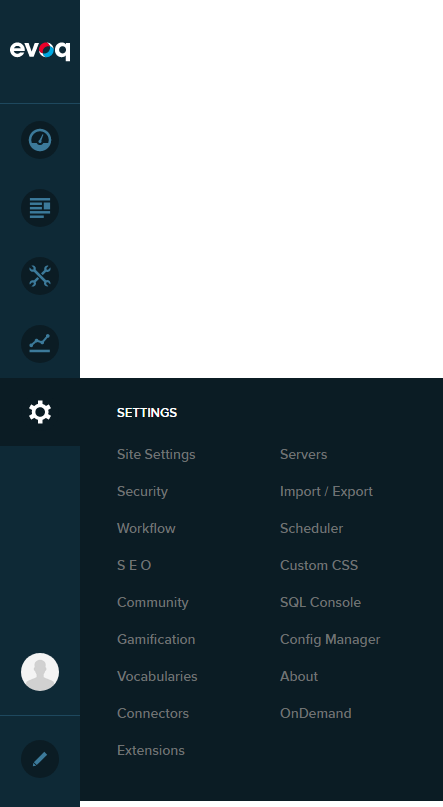
Go to Persona Bar > Settings > Scheduler.
Configure the Scheduler settings.
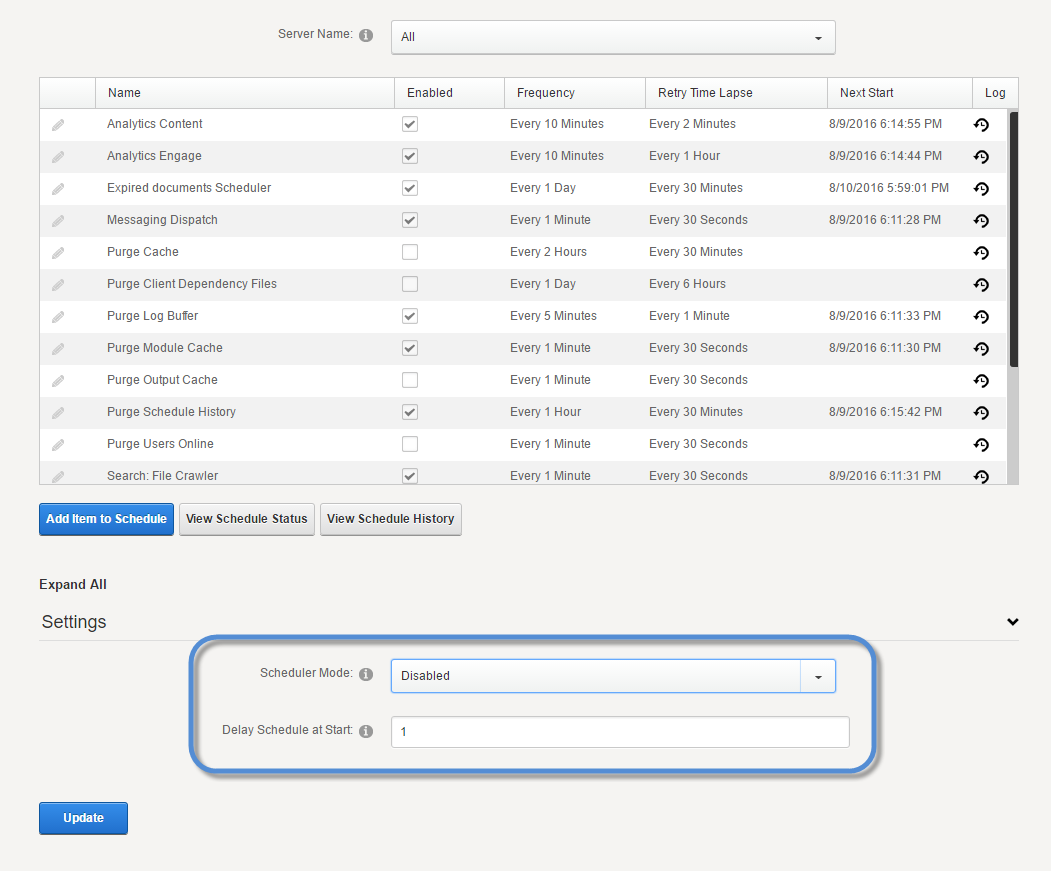
Field Description Scheduler Mode - Disabled. Prevents all tasks from running.
- Timer Method. Runs the scheduled tasks at the specified intervals in separate threads.
- Request Method Runs the scheduled tasks when HTTP requests are made.
Delay Schedule at Start The number of minutes the system must wait before running scheduled jobs after a restart.