Compress the Indexes
DNN Version: 09.02.00
12/08/2019 • Less than 1 minute to read
Contributors

12/08/2019
• Less than 1 minute to read
• Contributors
Note: Compressing indexes or reindexing are CPU-intensive processes and should, therefore, be run during off-peak hours.
Prerequisites
- An administrator account for the site. Administrators have full permissions to the specific site.
Steps
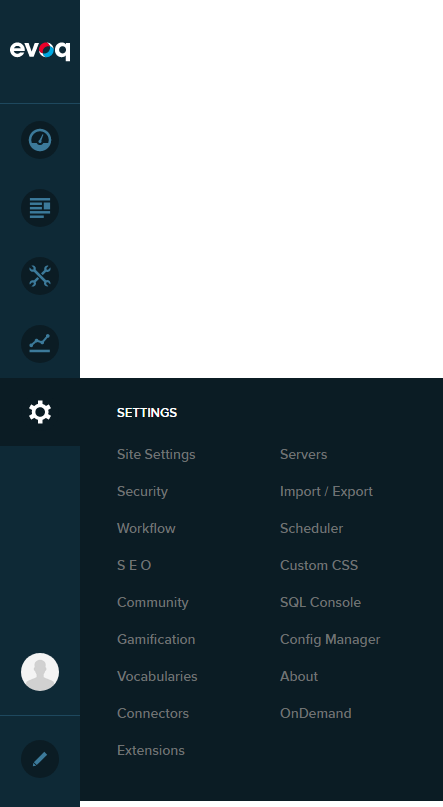
Go to Persona Bar > Settings > Site Settings.
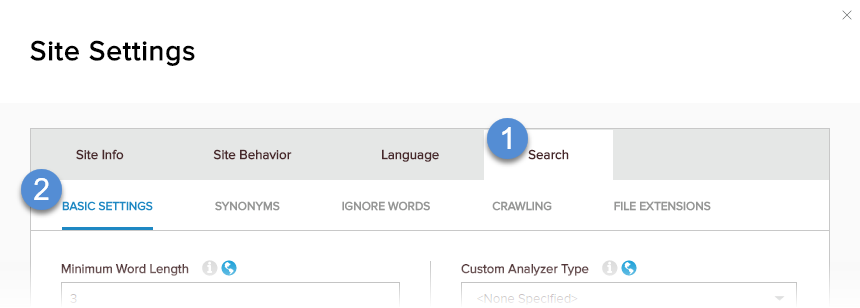
Go to the Search tab, and then the Basic Settings subtab.
In Search Index, click/tap Compact Index.
