• Share
    • Twitter
    • LinkedIn
    • Facebook
    • Email
  • Feedback
  • Improve this Doc
Show / Hide Table of Contents

Add a Role to an Existing Group

DNN Version: 09.02.00
12/08/2019 • Less than 1 minute to read
Contributors  david-poindexter
12/08/2019  • Less than 1 minute to read  • Contributors  david-poindexter

Prerequisites

  • An administrator account for the site. Administrators have full permissions to the specific site.

Steps

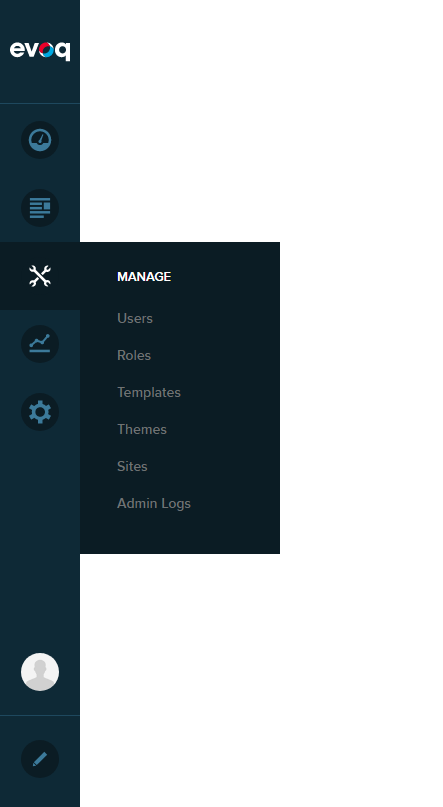
  1. Go to Persona Bar > Manage > Roles.

    Persona Bar > Manage > Roles

  2. Create or edit a role.

  3. Expand the Role Group dropdown and choose the group from the list.

  4. Save.

Add a Role to a New GroupView the List of Roles Included in a GroupRemove a Role from a GroupEdit a Custom Role GroupDelete a Custom Role Group
Back to top by the community, for the community... #DNNCMS