Remove a Role from a Group
DNN Version: 09.02.00
12/08/2019 • 1 minute to read
Contributors

12/08/2019
• 1 minute to read
• Contributors
Note
A role must belong to exactly one group. The [Global Roles] group contains all roles that do not belong to a custom group.
Prerequisites
- An administrator account for the site. Administrators have full permissions to the specific site.
Steps
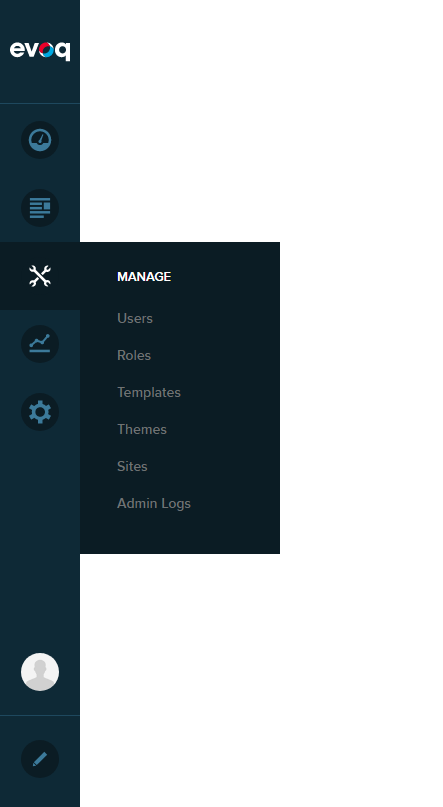
Go to Persona Bar > Manage > Roles.
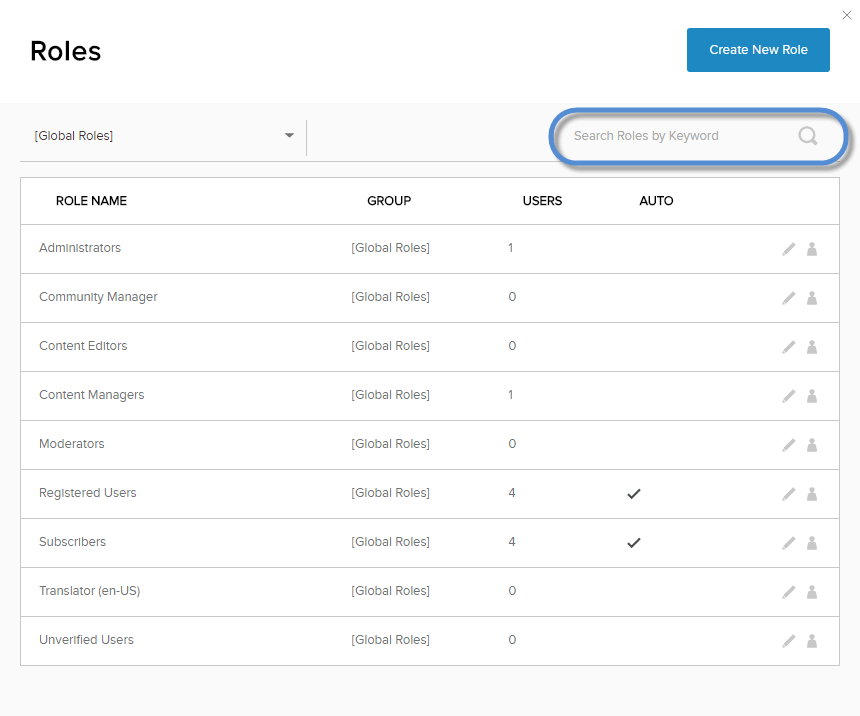
Search for the role you want to act on.
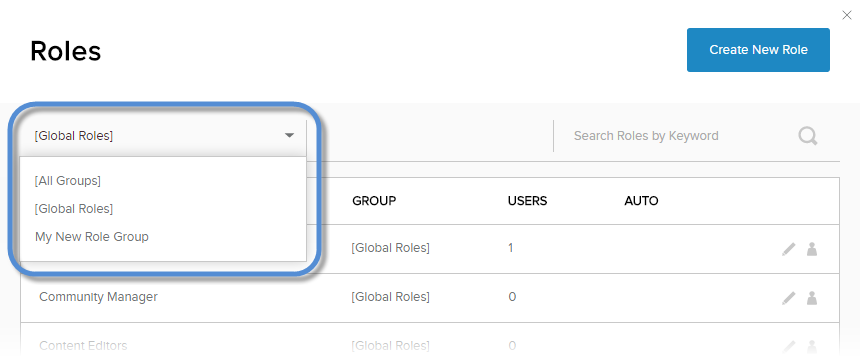
(Optional) Filter the list.
If you know the role's name, search for the role by typing its name in the search field.
If you know the role's group, expand the dropdown in the upper-left, and choose the role's group to filter the list.
Locate the role in the list.
Click/Tap the pencil icon for the role.

From the Role Group dropdown, choose Global Roles

Save.