Delete a Custom Role Group
DNN Version: 09.02.00
12/08/2019 • Less than 1 minute to read
Contributors

12/08/2019
• Less than 1 minute to read
• Contributors
Prerequisites
- An administrator account for the site. Administrators have full permissions to the specific site.
Steps
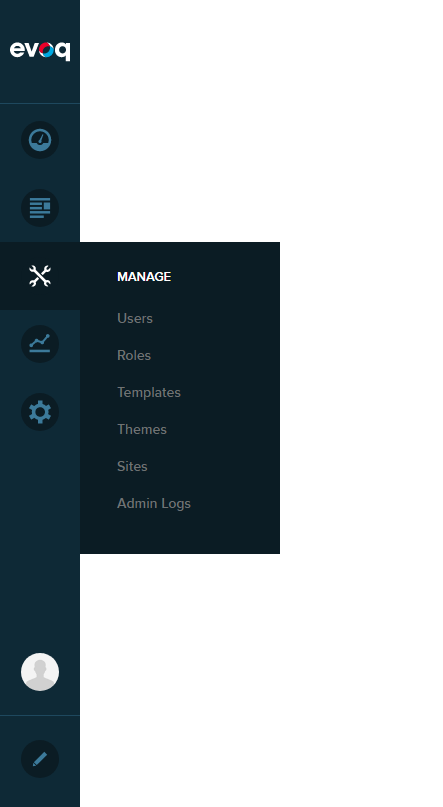
Go to Persona Bar > Manage > Roles.
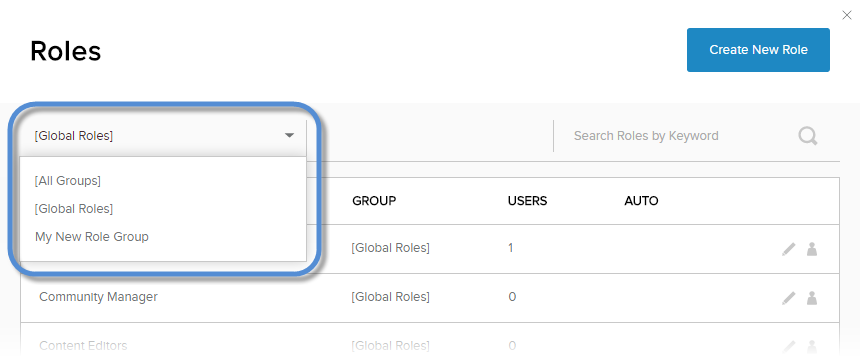
From the dropdown in the upper-left, choose the custom role group.
Remove all roles from the custom group.
Click/Tap the trash icon next to the role group name.

Confirm.