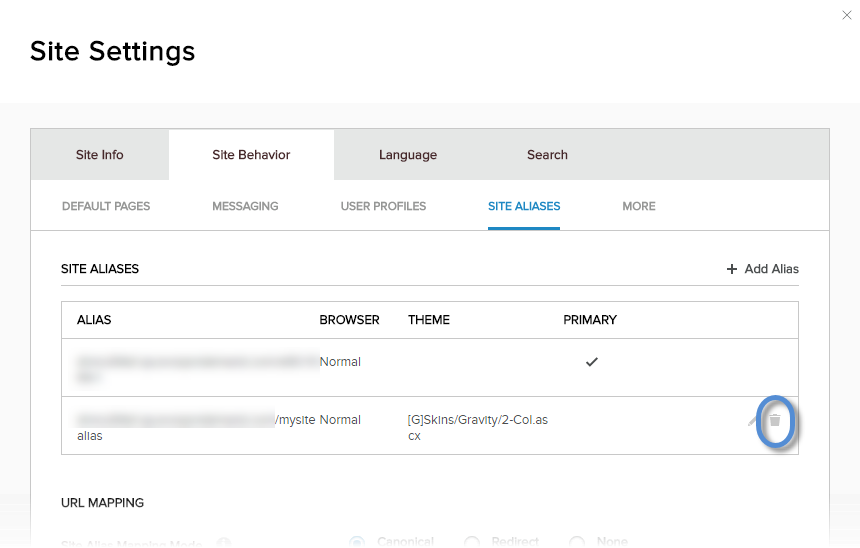
Delete a Site Alias
DNN Version: 09.02.00
12/08/2019 • 1 minute to read
Contributors

12/08/2019
• 1 minute to read
• Contributors
Note
The current site alias cannot be edited, deleted, or set as primary. Log into the site using a different site alias to edit or delete the currently used alias.
Prerequisites
- A host / super user account. Hosts have full permissions to all sites in the DNN instance.
Steps
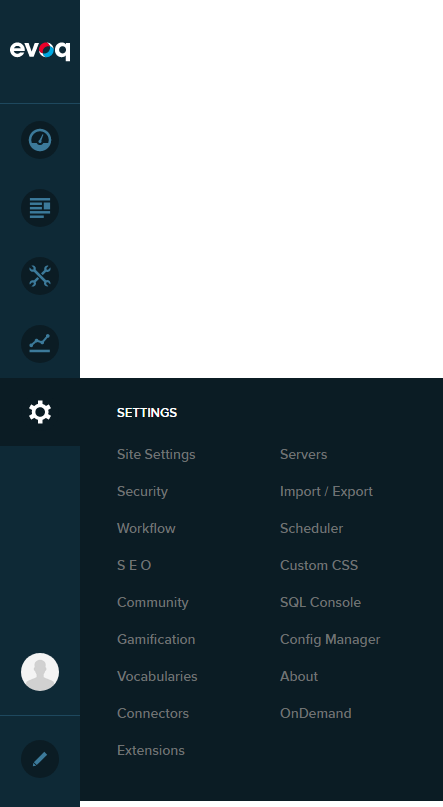
Go to Persona Bar > Settings > Site Settings.
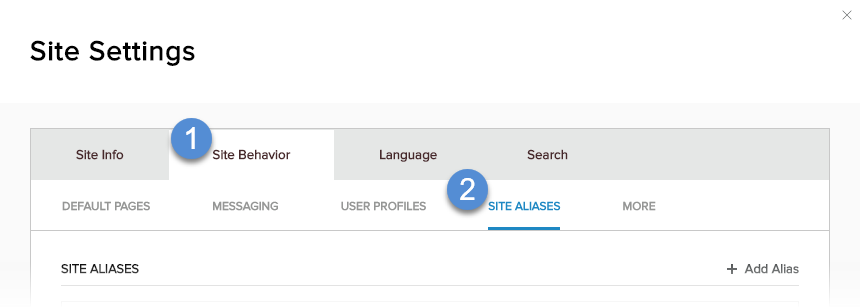
Go to the Site Behavior tab, and then the Site Aliases subtab.
Click/Tap the trash icon for the site alias. Confirm.